

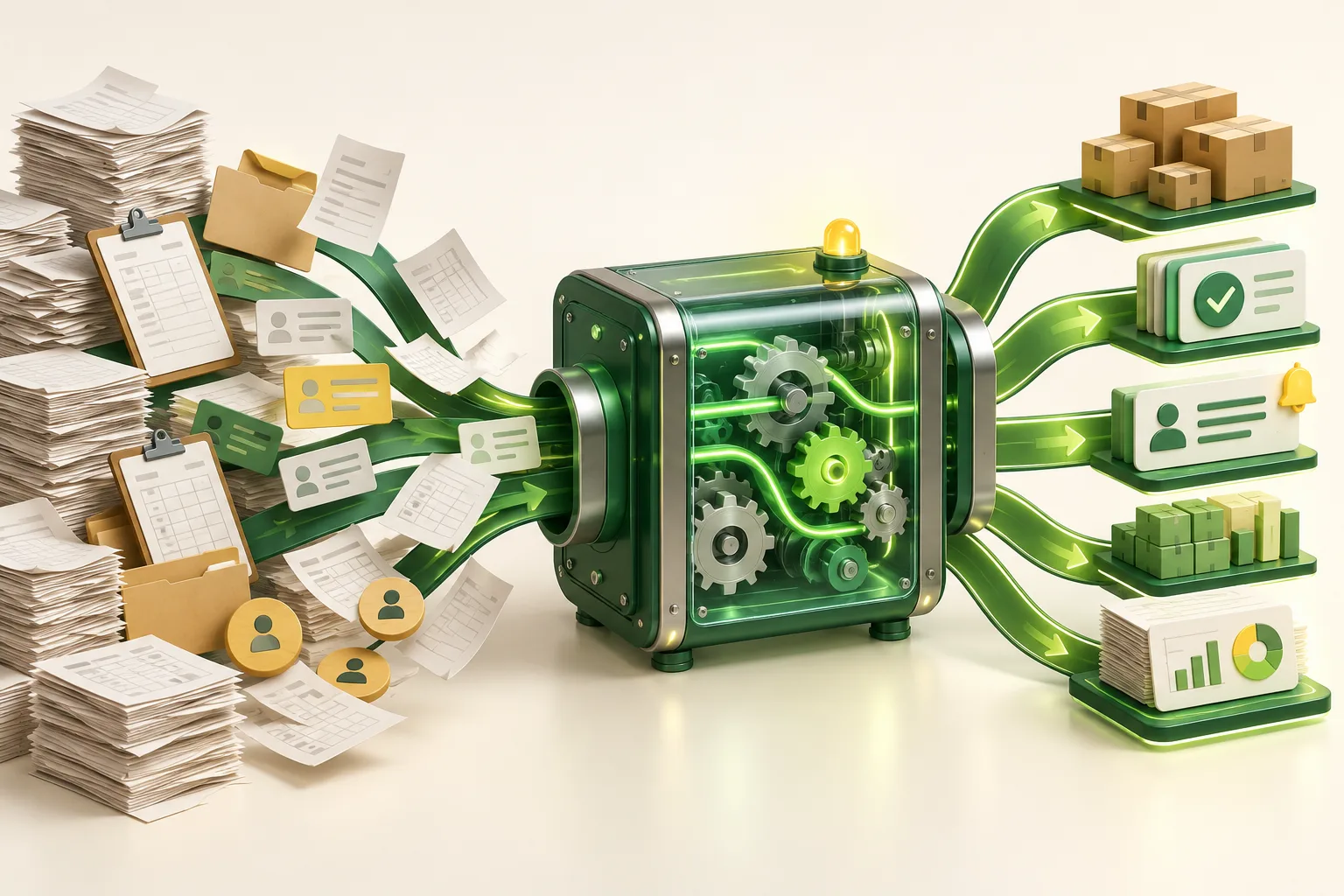
Business automation creates value when it removes predictable manual work, improves control and makes exceptions visible. It fails when a company automates an unclear process, connects unreliable data or measures success by the number of automated steps rather than the business outcome.
The most valuable benefits are operational
- Shorter cycle time: information moves immediately instead of waiting in inboxes.
- Fewer transcription errors: approved data is reused instead of re-entered.
- Consistent control: required checks, approvals and audit events occur every time.
- Better visibility: managers can see queues, ageing work and failed handoffs.
- More capacity: staff spend less time copying data and more time handling customers, judgement and improvement.
- Scalable service: transaction volume can grow without the same growth in administrative work.
The purpose is not to remove every human action. It is to place human attention where context, empathy or judgement matters.
What should you automate first?
Score candidate processes from 1 to 5 across five factors:
| Factor | High score means |
|---|---|
| Volume | The process occurs frequently enough for savings to compound |
| Repetition | Steps and inputs are largely consistent |
| Rule clarity | Decisions can be expressed and tested |
| Data readiness | Inputs are digital, available and sufficiently accurate |
| Business impact | Delay or error affects revenue, cash flow, service or risk |
Processes with high volume, clear rules and meaningful impact are strong early candidates. Processes dominated by rare exceptions, negotiation or ambiguous data need redesign before automation.
Calculate value before choosing technology
A simple annual estimate is:
Hours saved à loaded hourly cost + avoidable error cost + cash-flow or conversion improvement â annual operating cost.
Keep the assumptions visible. If an approval automation saves 12 minutes across 600 requests a month, the annual time saving is 1,440 hours. Validate that number with a short observation sample rather than relying on memory.
Also measure cycle time, error rate, work-in-progress and exception rate. An automation that saves keystrokes but increases unresolved exceptions may make the process worse.
Illustrative example: lead to paid invoice
A growing maintenance company receives leads from website forms and messaging channels. Staff copy details into a spreadsheet, create quotations in a document, ask for approval in chat, then re-enter the customer into accounting after acceptance. Status is difficult to track and follow-up depends on memory.
A phased automation could:
- Create a lead from each approved source and flag possible duplicates.
- Assign ownership based on service type and location.
- Generate a quotation from controlled pricing rules.
- Route discounts above a threshold for approval.
- Create the customer and invoice in accounting after acceptance.
- Notify operations and show failures in a monitored exception queue.
The exception queue is essential. Without it, automation can turn visible manual problems into invisible system problems.
Automate the process, not the workaround
Before building, map the current state with the people who perform the work. Mark waiting, re-entry, approvals, exceptions and the system of record for each data type. Then design the future state. Removing an unnecessary approval often creates more value than automating it.
A useful process map records:
- Trigger and desired outcome.
- Owner of each step.
- Required inputs and their source.
- Rules and thresholds.
- Expected exceptions and escalation owner.
- Audit evidence and retention requirements.
Keep humans in the loop deliberately
Human review is appropriate when the cost of a wrong decision is high, the evidence is incomplete, or policy requires accountability. Examples include unusual refunds, high discounts, credit decisions, sensitive customer communication and changes to master data.
Do not add human approval to every step âfor safety.â Define thresholds and show reviewers the evidence needed to decide. Track approval time and reversal rate to see whether the control is useful.
A practical six-stage rollout
- Baseline: measure current volume, time, error and backlog.
- Redesign: remove unnecessary steps and clarify ownership.
- Prototype: test the riskiest rule or integration with real sample data.
- Pilot: run a limited group with a manual fallback and visible monitoring.
- Stabilise: fix exception handling, permissions, logs and alerts.
- Scale: expand volume only after measures show improvement.
Integration reliability matters more than the demo
Automation is a chain; its reliability is limited by its weakest connection. For every system integration, decide how to handle timeouts, duplicate events, partial updates and changed data. Use idempotent operations where possible, keep an audit identifier across systems and provide a replay or reconciliation process.
Monitor business events, not only server uptime. âAPI request succeededâ is less useful than âall accepted orders reached fulfilment within five minutes.â
Protect data and access
Automation often moves data across more systems, which increases the importance of purpose limitation, access control and retention. For UAE organisations, review the Personal Data Protection Law and document cross-border processing where applicable. Use service accounts with minimum permissions, rotate credentials, log sensitive actions and avoid copying personal data into tools that do not need it.
Common automation mistakes
- Starting with software selection instead of process evidence.
- Automating an inconsistent spreadsheet without defining data ownership.
- Ignoring exceptions because they are uncommon during demonstrations.
- Building too many workflows before monitoring the first one.
- Using AI for deterministic rules that ordinary validation handles more reliably.
- Leaving no manual fallback for launch or third-party outage.
Final recommendation
Choose one high-volume, rules-based process with a measurable delay or error cost. Improve it, automate it, monitor the outcome and only then expand. If your operation relies on disconnected spreadsheets and manual handoffs, our custom software team can map the workflow and build a phased automation plan. You can also book a consultation.