

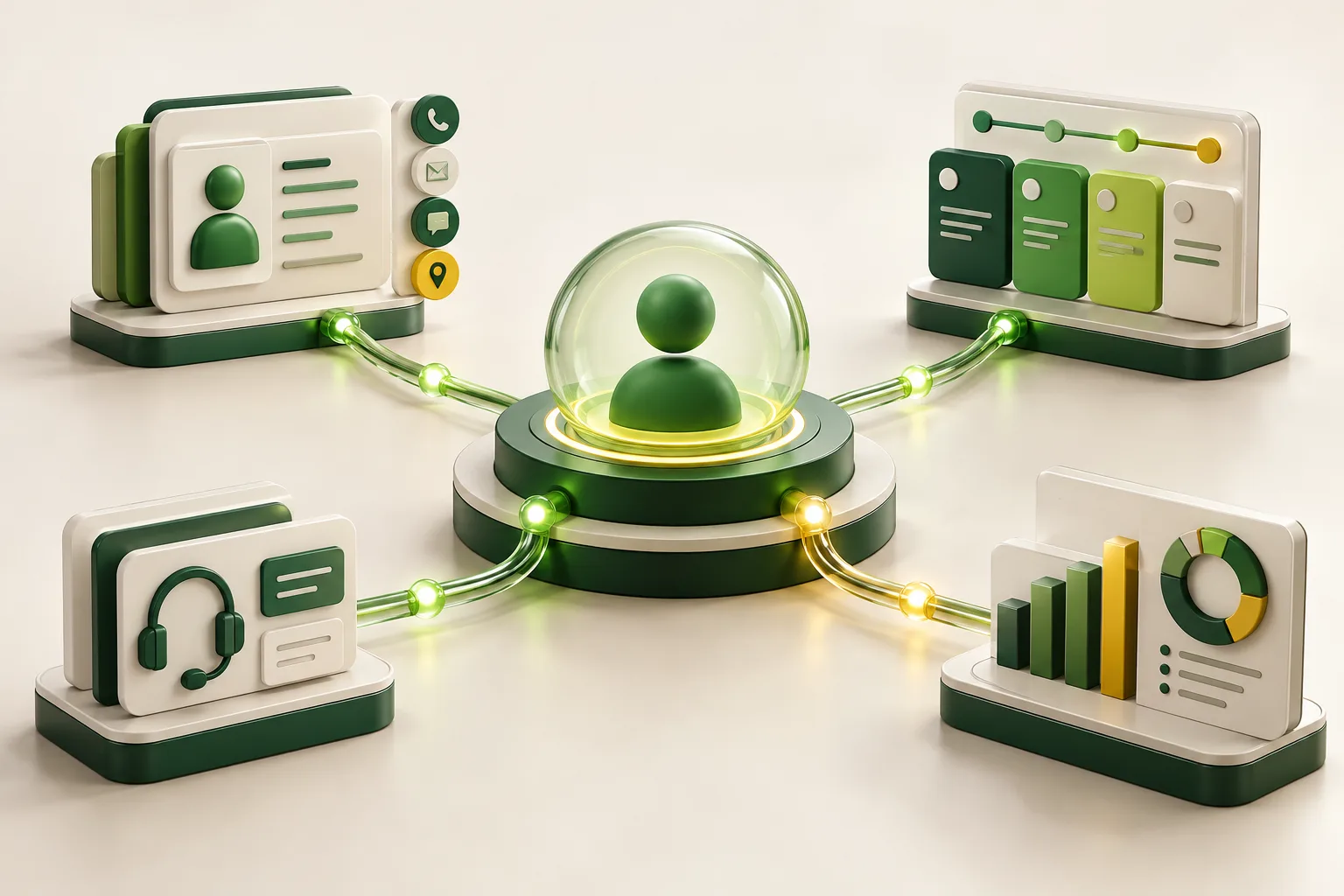
A custom CRM is valuable when customer work crosses teams, contains business-specific rules and cannot be managed reliably inside a standard pipeline. It is not valuable merely because a team dislikes its current CRM. Many problems blamed on software are actually unclear ownership, poor data definitions or an undisciplined sales process.
What a CRM should accomplish
A CRM is not primarily a list of contacts. It should answer operational questions: Who owns the next action? What was promised? Which opportunities are blocked? Which customers require attention? What consent or communication preference applies? What revenue or service outcome followed?
If staff maintain those answers in private spreadsheets, inboxes and messaging threads, the organisation does not have a reliable customer system even if it pays for CRM licences.
Five signs the standard CRM model no longer fits
- Your process contains specialised stages. A property company, maintenance provider and B2B distributor may all use âleads,â but their qualification, documents, approvals and fulfilment steps are different.
- Customer work crosses departments. Sales, operations, finance and support need the same record but different views and permissions.
- Staff enter the same data more than once. Re-keying between CRM, quotations, accounting and service systems creates delay and error.
- Management reporting depends on manual cleanup. If every weekly report starts with merging spreadsheets, the underlying data model is not supporting decisions.
- The experience itself is differentiated. Customer portals, partner workflows, complex renewals or service-level commitments may require logic that a generic CRM cannot express cleanly.
When you should not build a custom CRM
- A standard product covers the process after reasonable configuration.
- The team has not agreed on stages, required fields or ownership.
- The main issue is training or adoption rather than a capability gap.
- The company has too little transaction volume to justify ongoing maintenance.
- No internal owner can prioritise the roadmap and govern data quality.
In these situations, improve process discipline or configure the existing platform first. Custom software will encode ambiguity if the operating model is not clear.
Design the CRM around decisions, not screens
Before discussing dashboards, define the decisions each role must make. A sales representative may need the next best action and recent communication. A manager may need conversion by source, ageing opportunities and forecast confidence. Finance may need credit status and invoice history. Support may need open issues and service commitments.
Work backwards from those decisions to events, fields and permissions. This avoids a common failure: collecting hundreds of fields because they might be useful, then receiving incomplete and unreliable data.
The minimum useful custom CRM
A focused first release usually needs fewer components than stakeholders expect:
- A clear customer and contact model with duplicate prevention.
- A pipeline based on real stages and exit criteria.
- Task ownership, reminders and overdue visibility.
- Communication history or controlled links to email and messaging channels.
- Role-based access and an audit trail for important changes.
- A small set of trusted reports tied to operational decisions.
- Import, export, backup and recovery procedures.
Add advanced automation, scoring, customer portals and AI assistance only after the foundation produces accurate data.
An illustrative example: a service company with recurring contracts
Consider a company that sells annual service agreements. Sales tracks opportunities, operations schedules visits, technicians record work, finance issues invoices and management reviews renewals. A generic pipeline may stop at âwon,â leaving the rest of the customer lifecycle fragmented.
A custom CRM could create a contract record when an opportunity closes, generate an approved service schedule, show visit results, flag unresolved issues before renewal and pass invoice data to accounting. The value is not a prettier contact page. It is a controlled handoff from promise to delivery to renewal.
Use a phased roadmap
| Phase | Primary outcome | Typical scope |
|---|---|---|
| 1. Foundation | One trusted customer record | Data model, pipeline, ownership, permissions, import |
| 2. Workflow | Fewer missed handoffs | Tasks, approvals, notifications, document rules |
| 3. Integration | Less duplicate entry | Accounting, telephony, forms, service or inventory systems |
| 4. Intelligence | Better decisions | Forecasting, segmentation, quality checks and constrained AI assistance |
Adoption is an engineering requirement
A CRM that takes too long to update will lose to a spreadsheet. Measure common tasks in clicks and seconds. Use defaults, progressive disclosure and automation to reduce entry. Make required fields genuinely required for a downstream decision; do not use them as a substitute for good management.
During rollout, select a small pilot group, observe real work, correct the model, migrate clean data and publish ownership rules. Track adoption through meaningful signals such as opportunities with a next action, not login counts.
Privacy, permissions and auditability
Customer data requires deliberate governance. The UAE Personal Data Protection Law covers personal-data processing and cross-border transfer requirements. Record the purpose for each category of data, restrict access by role, define retention, support correction and deletion workflows where applicable, and document where integrations send information.
Security requirements should be testable. OWASP ASVS is a useful starting point for authentication, session, access-control, validation and logging requirements rather than relying on a vague promise that the CRM will be âsecure.â
A practical CRM discovery checklist
- Map the customer lifecycle from first enquiry to repeat business.
- Identify every handoff, exception and approval.
- Agree on system-of-record ownership for each data type.
- Define role decisions and the minimum data needed for them.
- Prioritise integrations by hours saved and risk reduced.
- Prototype the busiest workflow with real users.
- Set adoption and data-quality measures before launch.
Final recommendation
Build a custom CRM when the customer lifecycle is strategically important and standard tools create measurable operational friction. Keep the first release focused on trustworthy data and accountable handoffs. If you need to map your workflow before deciding, explore our custom CRM development service or book a consultation.