

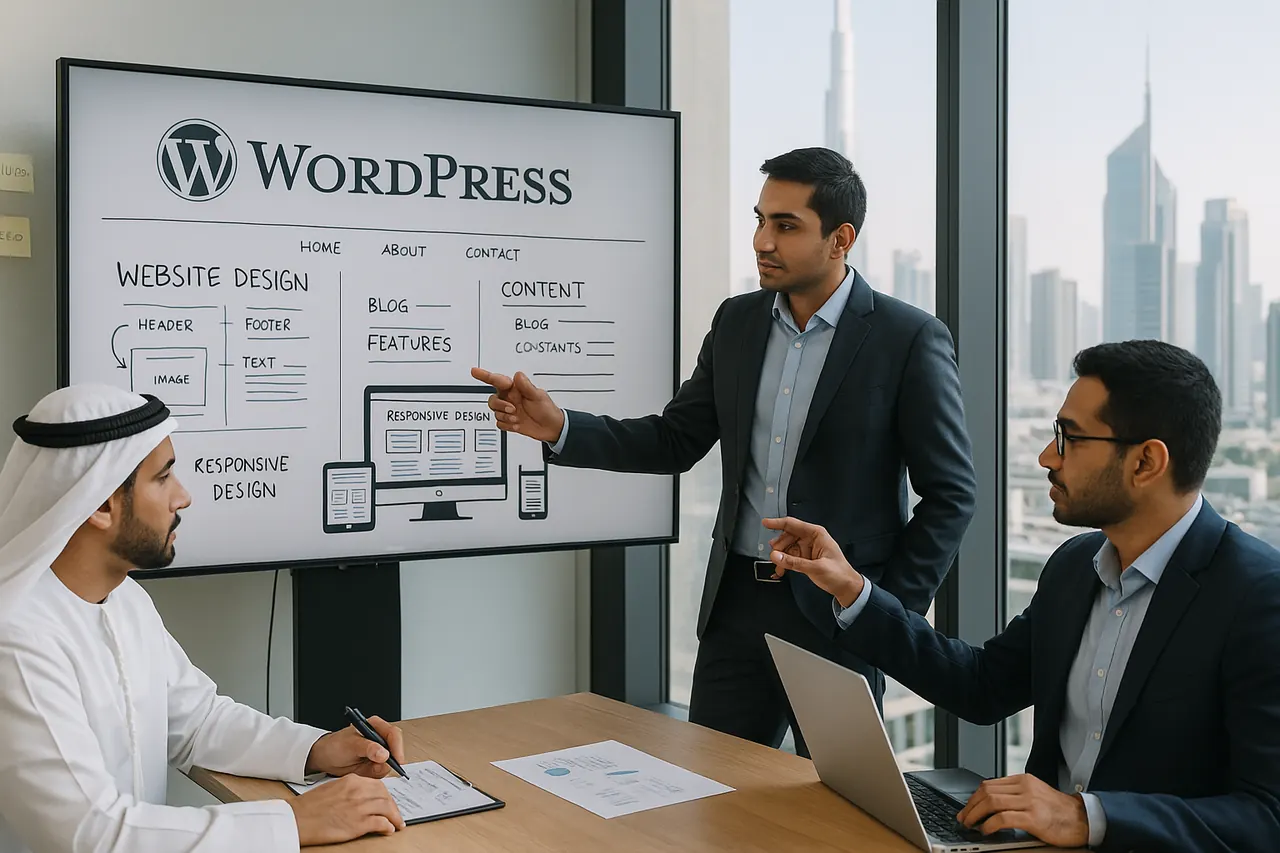
If your business needs a website your team can update without asking a developer to change every service page, banner, or blog post, WordPress is often a practical choice. It is especially suitable for company websites, service-led sites, content-focused websites, and many WooCommerce stores. The more useful question is not whether WordPress is popular, but whether it fits how your business will manage content, enquiries, products, approvals, and future changes.
For businesses considering wordpress development in dubai, this simple decision path is a good starting point:
- Choose WordPress when you need an editable website with service pages, blog content, enquiry forms, landing pages, or a WooCommerce store.
- Consider a custom-coded build when your project is really a portal, internal system, workflow tool, or platform with unusual business logic.
- Consider an all-in-one builder when simplicity matters more than flexibility and you want the lowest possible admin burden.
WordPress itself is built around publishing, media management, customization, maintenance, and ongoing administration, as outlined in the WordPress documentation. That makes it very different from both a basic DIY builder and a fully custom software project.
If you are still comparing website routes, WD Technologies LLC offers website development services in Dubai as well as broader web development services, which is relevant when your project sits somewhere between a standard website and a more customized build.
Why WordPress often makes more sense than a DIY builder, freelancer, or custom build
WordPress sits in a useful middle ground. It gives more control than a simple website builder, but usually involves less complexity than building everything from scratch.
Compared with a DIY website builder
A DIY platform can be the fastest route for a very small business that only needs a simple online presence. WordPress gives you more control over content structure, users, themes, plugins, and future expansion. The official WordPress documentation hub covers installation, publishing, customization, maintenance, and support workflows designed for ongoing website management.
The trade-off is ownership responsibility. WordPress needs updates, backups, and plugin management. The WordPress security handbook says keeping WordPress core, plugins, and themes up to date is one of the most important parts of site security.
Compared with hiring a freelancer
A freelancer can suit a smaller brochure website or a tightly scoped project. The main trade-off is delivery structure. One person may end up handling planning, design, development, plugin selection, testing, launch, backups, and support. For businesses that need clearer handover, internal editing workflows, or ongoing changes after launch, a more structured process can matter as much as the initial build.
Compared with a custom-coded website
If your main requirement is content management, WordPress is often the more practical route. If your main requirement is custom business logic, a portal, or an operational system, a custom build may be more appropriate. That is why businesses should decide early whether they are buying a content-managed website or a wider software solution.
When WordPress is the right fit and when it is not
Strong use cases for WordPress
- Business websites: company profiles, service pages, enquiry forms, blogs, and marketing pages.
- Corporate websites: websites where multiple staff members need to publish or edit content.
- Content-led websites: news sections, guides, articles, and resource hubs.
- WooCommerce stores: businesses that want a customizable ecommerce setup on WordPress. The official WooCommerce documentation covers products, orders, payments, shipping, taxes, and store administration.
- Marketing sites with ongoing SEO work: where your team needs direct control over publishing and page updates.
When WordPress may be the wrong choice
- You are really building a custom application rather than a website.
- Your project depends on unusual workflows across departments.
- You want the lowest-maintenance possible platform and accept tighter platform limits.
- Your feature list would rely on too many loosely managed plugins.
A useful way to frame the choice is this: if the main need is content management, WordPress is often a good fit. If the main need is custom business logic, it may not be.
What local planning can matter for UAE businesses
The platform itself does not change because your business is in Dubai, but your operating context can. Local planning can matter in a few practical areas.
- Ecommerce readiness: the UAE Government ecommerce guidance states that online selling requires the proper commercial licence and ecommerce activity where applicable.
- Bilingual content planning: the UAE digital-services environment includes Arabic and English delivery, reflected in the Digital Dubai context published by the UAE Government.
- Accessibility expectations: the UAE accessibility policy document is relevant where accessibility requirements are part of the project scope.
In practice, that means a Dubai business may need more than a visually strong website. It may also need multilingual content workflows, local review cycles, ecommerce planning, and a launch setup that fits how the business actually operates.
WordPress vs custom website vs all in one platform
| Option | Choose this when | Watch out for |
|---|---|---|
| WordPress | You need a flexible CMS, editable content, marketing pages, blog publishing, or a WooCommerce store | Updates, backups, plugin management, and security are part of ownership |
| Custom coded website | You need bespoke workflows, advanced functionality, or application-style behavior | Higher build complexity and more planning before launch |
| All in one builder | You want speed and simplicity more than deep flexibility | Platform limits can affect customization, integrations, and long-term control |
SEO and content management
Google does not rank website platforms by brand name. Its SEO Starter Guide focuses on crawlability, site structure, helpful content, and technical implementation. WordPress can support those requirements well, but it does not guarantee rankings on its own.
Where WordPress stands out is content management. It gives teams direct control over publishing, media, structure, and user roles. The Roles and Capabilities documentation shows how permissions can be assigned to administrators, editors, authors, contributors, and subscribers.
What to compare before choosing a WordPress development company
Do not compare providers only on homepage design or a single headline price. Compare how they plan to build and run the site.
- Hosting approach: who manages the hosting environment and how it will support the site.
- Theme strategy: prebuilt theme, customized theme, or more bespoke front-end work.
- Plugin governance: what plugins are needed, why they are needed, and how updates will be handled. The official Manage Plugins guide is useful here.
- Security planning: updates, backups, hardening, and recovery. See WordPress security guidance and backup guidance.
- User permissions: whether your internal team will have clear editing roles after launch.
- SEO implementation: site structure, URLs, indexing readiness, and technical basics.
- Ecommerce configuration: if the site will sell online, how products, payments, shipping, and taxes will be handled through WooCommerce.
If your project may grow beyond a standard content-managed site, it also helps to compare WordPress with a broader custom website development approach.
What to confirm before signing a proposal
A strong proposal should make the project boundaries clear. Before signing, confirm:
- the exact site scope and page types
- whether the design is template-based or custom
- what content you must provide and what the developer will handle
- which plugins, themes, and paid licences are included
- who owns the domain, hosting, admin access, and licences
- how staging, testing, approval, and launch will work
- what happens after launch for updates, backups, bug fixes, and support
- whether WooCommerce is included if ecommerce is required
- whether bilingual content or accessibility requirements are in scope
The site’s own WordPress development checklist article also highlights hosting environment, WordPress installation, responsive themes, security measures, backups, updates, and plugin compatibility as practical considerations.
What affects WordPress project cost and timeline
Without a defined scope, a WordPress project can range from straightforward to quite involved. Instead of looking for one universal price, compare the drivers that change effort.
Main cost drivers
- Template vs custom design: more custom interface work means more design and development effort.
- Page count and content load: more pages, products, or content migration usually mean more work.
- WooCommerce features: store setup, products, shipping, taxes, payments, and order flows add complexity. See the WooCommerce setup documentation and store settings guidance.
- Integrations: CRM, payment gateways, shipping tools, analytics, and third-party APIs all increase implementation and testing needs.
- Multilingual requirements: Arabic and English content planning usually increases setup and quality-check effort.
- Content preparation: copy, images, product entry, and approvals can form a large part of total project effort.
- Post-launch support: maintenance, updates, and monitoring affect total ownership cost, not just launch cost.
Main timeline drivers
- speed of approvals and stakeholder feedback
- readiness of text, media, products, and brand assets
- number of revisions
- custom functionality or ecommerce workflows
- migration from an old website
- testing requirements before launch
In many projects, delays come less from WordPress itself and more from unclear scope, content delays, changing requirements, or integration complexity.
What a good WordPress development process looks like
- Discovery: define business goals, site type, users, content, languages, integrations, and launch priorities.
- Planning: choose the structure, theme approach, plugin stack, hosting, and any WooCommerce requirements.
- Design and build: create templates, configure WordPress, and set up roles, forms, and required functionality.
- Content setup: add pages, media, products, and navigation.
- Technical checks: review SEO basics, HTTPS, site health, performance, and mobile behavior. The WordPress Site Health screen documentation explains part of this review process.
- Testing and approval: verify forms, permissions, content display, and checkout flow where applicable.
- Launch: move to production with backups and access controls in place.
- Post-launch support: keep core, plugins, and themes updated, monitor security, and support ongoing changes.
This structure matches WordPress guidance on maintenance, security, backups, updates, and administrative control.
Common hiring mistakes and how to avoid them
- Choosing on appearance alone: a polished homepage does not tell you how maintainable the site will be.
- Ignoring plugin sprawl: too many unnecessary plugins can create compatibility and maintenance issues. The site’s own WordPress checklist article notes plugin and theme compatibility as a common challenge.
- Treating launch as the finish line: WordPress needs updates, backups, and security maintenance after go-live. See the WordPress security guidance.
- Giving unclear editing access: define who needs administrator, editor, or contributor access before launch.
- Assuming WordPress alone solves SEO: SEO depends on site structure, content quality, and implementation, not the platform name alone.
- Skipping ecommerce readiness checks: if you will sell online, confirm your business is ready for the relevant UAE ecommerce licensing position.
An illustrative example
Scenario: a Dubai service business wants a modern website with service pages, a blog, enquiry contact options, Arabic and English content, and the ability for staff to update pages without depending on a developer.
Why WordPress fits: it supports editorial control, media management, role-based permissions, and future expansion into landing pages or WooCommerce if the business later adds online sales.
What could make it more complex: if the same business also wants a custom customer dashboard, internal booking logic, or advanced back-office workflows, then a standard WordPress setup may no longer be enough on its own.
That is why the most useful early decision is not simply “Do I want a website?” but “Am I buying a content-managed business website or a broader software system?”
What to do next if you are considering WordPress development in Dubai
Prepare a short project brief before requesting quotations. Include:
- your business type and website purpose
- whether the site is informational, lead-generation, or ecommerce
- approximate page count or product count
- required languages
- integrations you expect
- whether your team needs to manage content after launch
- target launch timing
- support expectations after go-live
Then ask for a scoped response instead of a generic package. If you want help defining the right route first, review the website development services page or use the contact details to discuss your project scope, language needs, integrations, and whether WordPress is the right fit for your business.
Frequently asked questions
Is WordPress good for business websites in Dubai?
Yes, WordPress is a strong fit for many business websites that need editable content, service pages, blogs, lead forms, and future flexibility. It is less suitable when the project is really a custom application or operational system.
Can WordPress handle ecommerce?
Yes. WooCommerce is the official ecommerce platform built for WordPress, with documentation covering products, payments, shipping, taxes, and store administration in the WooCommerce documentation.
Does WordPress guarantee better SEO?
No. Google’s guidance focuses on crawlability, helpful content, structure, and technical implementation, not one platform. WordPress can support SEO well, but it does not guarantee rankings by itself.
What should I ask a WordPress developer before hiring?
Ask about scope, hosting, plugin choices, security, backups, user roles, SEO setup, post-launch support, and who owns accounts and licences after launch.
Do UAE ecommerce rules matter for a WordPress store?
Yes, if you plan to sell online. The UAE Government ecommerce page states that online selling requires the proper commercial licence and ecommerce activity where applicable.
Contact Us
Contact our team using the details below.